
Looking for the best cloud monitoring tools? Here’s a quick guide to help you choose.
With 94% of businesses using cloud computing, monitoring tools are essential for keeping systems efficient, secure, and cost-effective. These tools prevent downtime, reduce IT costs, and simplify managing multi-cloud setups. Here's a breakdown of five top tools for small and medium-sized businesses (SMBs):
- Datadog: Supports 850+ integrations, AI-powered alerts, and multi-cloud monitoring. Starts at $15/host/month.
- New Relic: Full-stack monitoring with AI-driven insights and predictive analytics. Free tier available; pricing varies by data usage.
- Dynatrace: Advanced AI for root-cause analysis and automation. Pricing is usage-based, starting at $0.08/hour for 8 GiB hosts.
- Azure Monitor: Ideal for Microsoft-centric setups with hybrid and multi-cloud support. Free tier includes 5 GB of data ingestion; $2.30/GB after.
- Google Cloud Operations Suite: Budget-friendly with hybrid monitoring and free 50 GB logging. Starts at $0.50/GB for logging.
Quick Comparison
| Tool | Multi-Cloud Support | AI Features | Starting Price | Best For |
|---|---|---|---|---|
| Datadog | AWS, Azure, Google Cloud | AI anomaly detection | $15/host/month (Pro Plan) | Broad integrations |
| New Relic | AWS, Azure, Google Cloud | AI for root-cause analysis | Free tier, custom pricing | Application monitoring |
| Dynatrace | AWS, Azure, Google Cloud | Advanced AI for automation | $0.08/hour (8 GiB host) | Complex cloud environments |
| Azure Monitor | Azure, AWS, hybrid setups | AI for anomaly detection | Free 5 GB, $2.30/GB | Microsoft ecosystem users |
| Google Cloud Operations | GCP, AWS, hybrid setups | Predictive analytics | Free 50 GB, $0.50/GB | Cost-conscious users |
Bottom Line: Choose based on your cloud environment, budget, and team expertise. For Microsoft users, Azure Monitor is a natural fit. For cost-conscious SMBs, Google Cloud Operations Suite offers flexibility. Need advanced AI? Dynatrace and Datadog are strong contenders. Start small and scale as your needs grow.
Simplifying Multi-Cloud Observability | Software Architecture Conference
1. Datadog
Datadog steps up as a go-to solution for businesses looking to stay ahead with cloud monitoring. By combining infrastructure metrics, application traces, and logs into one platform, it simplifies tracking and troubleshooting. With over 850 vendor-backed integrations, Datadog connects seamlessly with just about every tool in your tech stack.
Its agent-based monitoring system automatically detects new resources as your business grows, sparing you the hassle of manual configurations. This adaptability makes it particularly appealing for SMBs that frequently scale their cloud infrastructure.
Here’s a closer look at how Datadog supports scalable cloud monitoring for SMBs.
Multi-Cloud Support
Datadog shines in multi-cloud environments, offering robust monitoring for Amazon Web Services, Azure, Google Cloud, and Oracle Cloud. Whether you're working with cloud-native workloads, Kubernetes containers, or even traditional servers, Datadog provides end-to-end visibility.
From a single interface, the platform monitors hosts, containers, and serverless functions at scale. This unified setup eliminates the headache of juggling multiple tools for different cloud providers, streamlining your operations.
AI/ML Capabilities
Datadog leverages AI to cut down on manual monitoring tasks. Its Watchdog anomaly detection engine identifies unusual patterns like spikes in error rates or latency issues. By accounting for trends and seasonal shifts, it ensures alerts are meaningful and not just noise.
"Watchdog is giving us faster incident response. It's showing us where the problems are in our system that we wouldn't have otherwise seen. And it's showing us where other impacts are throughout the system… it's allowing us to essentially deliver a better level of service to our customers."
- Joe Sadowski, Engineering Manager, Square
Datadog also uses forecasting algorithms to predict potential resource bottlenecks before they become critical. For instance, a fintech company could sidestep a database crash by acting on Datadog's early warnings about rising resource strain.
Pricing Options
Datadog offers a free tier covering up to 5 hosts, making it accessible for smaller setups. For more extensive needs, the Pro plan starts at $15 per host per month (billed annually), while the Enterprise plan is priced at $23 per host per month. Additional features like Custom Metrics, Log Management, and Application Performance Monitoring come with separate costs.
Though it’s positioned at the higher end of the market, Datadog’s feature-rich platform helps SMBs stay efficient without stretching their IT budgets too thin.
Ease of Use
Getting started with Datadog is straightforward. Most SMBs can set up basic monitoring in just a few hours, thanks to its 500+ ready-to-use integrations and guided agent installation. The platform also includes tools like customizable dashboards and role-based access controls, so you can tailor it to your team's specific needs.
For advanced capabilities, such as creating custom alert rules or building complex dashboards, teams can gradually expand their usage as they grow more familiar with the platform’s features.
2. New Relic
New Relic is an observability platform trusted by over 16,000 organizations worldwide. It offers full-stack monitoring, covering everything from infrastructure and application performance to user experience and networks, with support for over 500 integrations. Its ability to connect observability data with business outcomes makes it especially appealing for SMBs that can’t afford prolonged downtime.
Multi-Cloud Support
With its Data Plus offering, New Relic provides seamless support for major cloud providers, including AWS, Azure, and Google Cloud, as well as hybrid setups. For SMBs juggling distributed systems, this unified view simplifies managing operations across multiple environments.
AI/ML Capabilities
New Relic leverages AI to turn raw data into actionable insights. Its AI-powered Predictions feature uses machine learning to analyze historical trends and predict potential issues before they escalate. In February 2025, New Relic introduced Agentic AI Integrations for ServiceNow and Gemini Code Assist, which automate complex tasks by utilizing retrieval-augmented generation technology. This system integrates customer inputs like runbooks and documents through its Context Connector.
"IT teams need to be augmented by AI models that enable them to both prevent issues from arising in the first place while adroitly responding to incidents before they broadly affect the application environment." - Nic Benders, chief technical strategist for New Relic
The platform also includes powerful tools like Transaction 360, which can cut mean time to resolution (MTTR) by up to 5x, and Security RX, which reduces vulnerability volumes by as much as 97% through runtime verification. For SMBs, these AI-driven features mean quicker problem-solving and more reliable systems.
Entry-Level Cost
New Relic provides a free tier that includes 100 GB of data ingestion per month. For businesses ready to scale, the Standard tier starts at $10 for the first full platform user, with pricing adjusted based on user roles and data usage. However, the usage-based pricing model can result in fluctuating monthly costs.
"Our monthly spend with New Relic surpassed the value we were getting out of it. The specific incident that triggered us to look at other vendors was when we turned on JVM-level telemetry and were not aware that it incurred a 'custom event' cost, which skyrocketed our bill 10X for a month." - John D'Emic, Co-Founder and CTO at Revenium
While pricing can vary, the free tier gives SMBs an opportunity to explore the platform's capabilities before committing to a paid plan.
Learning Curve
New Relic’s extensive features come with a steeper learning curve. Setting it up initially may require additional training, but the platform offers thorough documentation and a wide range of integrations to ease the process over time. To help new users, it provides a free demo account that allows businesses to explore resource consumption and determine the best pricing tier and features for their needs. For SMBs with limited IT resources, this guided approach ensures they can gradually unlock the platform’s full potential.
3. Dynatrace
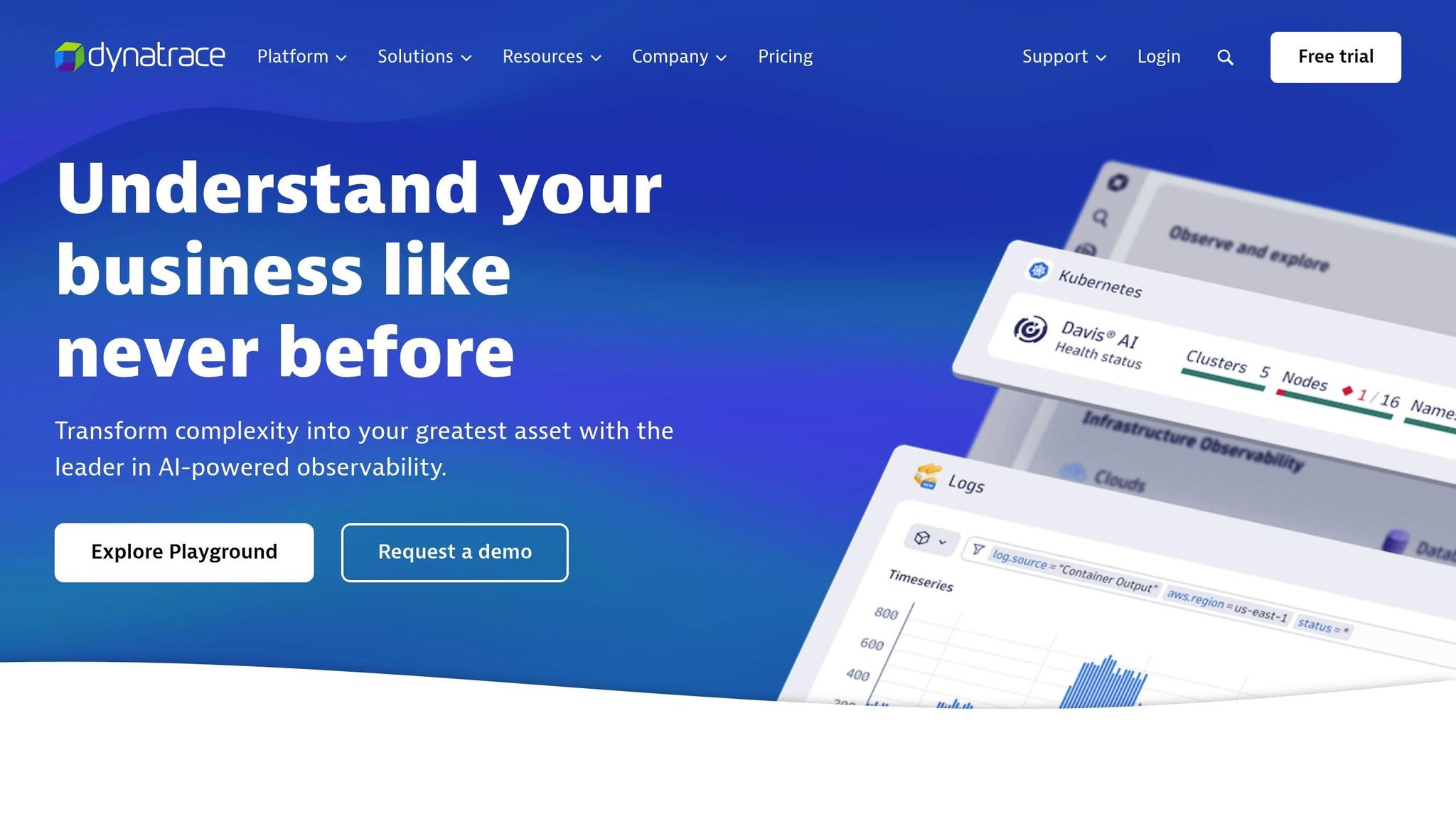
Building on New Relic's observability, Dynatrace offers a monitoring solution powered by AI, designed to simplify operations across complex cloud environments. At the heart of Dynatrace is its Davis AI engine, which has been delivering automated insights since 2014 by combining predictive, causal, and generative AI. For small to medium-sized businesses (SMBs) managing intricate cloud setups, this automation can save valuable time by cutting down on manual troubleshooting.
Multi-Cloud Support
With 93% of companies now employing multicloud strategies to maximize the strengths of different cloud providers, Dynatrace rises to the challenge with its Clouds app. This tool seamlessly integrates data from AWS, Azure, Google Cloud, and hybrid environments into a single dashboard. It doesn’t just present the data - it analyzes it to identify root causes, no matter where the issue originates. Additionally, Dynatrace enables comparative analytics across multiple cloud platforms, allowing insights from one environment to inform decisions in another. For example, adding monitoring for Azure App Services Plan is a breeze; just two clicks, and Dynatrace automatically selects six critical metrics, including CPU and memory usage, disk activity, and HTTP queue length.
"Customers should have the flexibility to choose any cloud vendor they want and however many they want, even on-premises. They need a platform-agnostic way to monitor and manage performance across all of them seamlessly. Hybrid environments shouldn't have to require hybrid monitoring tools." - Michal Nalezinski, Dynatrace Technical Project Manager
AI/ML Capabilities
Dynatrace's Davis AI stands out as one of the most advanced AI systems in cloud monitoring, capable of analyzing massive dependencies in milliseconds. It evaluates topology, metrics, traces, logs, and user data to provide precise answers and automate processes intelligently. This AI engine is pivotal for root-cause analysis, predictive maintenance, and generating actionable recommendations that simplify troubleshooting. On the security front, Davis AI automatically assesses risks, detects and blocks threats, and suggests remediation strategies. With 99% of enterprises using multicloud environments and an average of seven different monitoring tools, Dynatrace’s AIOps capabilities offer much-needed efficiency.
Entry-Level Cost
Dynatrace employs a flexible hourly pricing model that scales with business needs, using metrics like GiB hours and host hours. A 15-day free trial is available for businesses to test its features before committing. Pricing highlights include:
- Full-Stack Monitoring: $0.08 per hour for an 8 GiB host
- Infrastructure Monitoring: $0.04 per hour for any size host
- Real User Monitoring: $0.00225 per session
- Log Management: $0.20 per GiB for ingestion and processing
"The pricing can be on the higher side, especially for smaller teams or businesses." - Necko B., Software Engineer
While the costs might seem steep for smaller teams, Dynatrace’s advanced automation can make it a worthwhile investment for SMBs ready to scale.
Learning Curve
Dynatrace’s powerful AI capabilities and broad monitoring features come with a level of complexity that can be daunting for smaller IT teams. Licensing can also feel intricate and potentially expensive for those unfamiliar with the platform.
"Licensing is get confusing and feels expensive for small teams." - Jasmn C., Software Developer
Despite these challenges, SMBs that dedicate time to training and implementation can reap the rewards of reduced manual workloads, thanks to Dynatrace’s AI-driven automation.
sbb-itb-6052d70
4. Azure Monitor
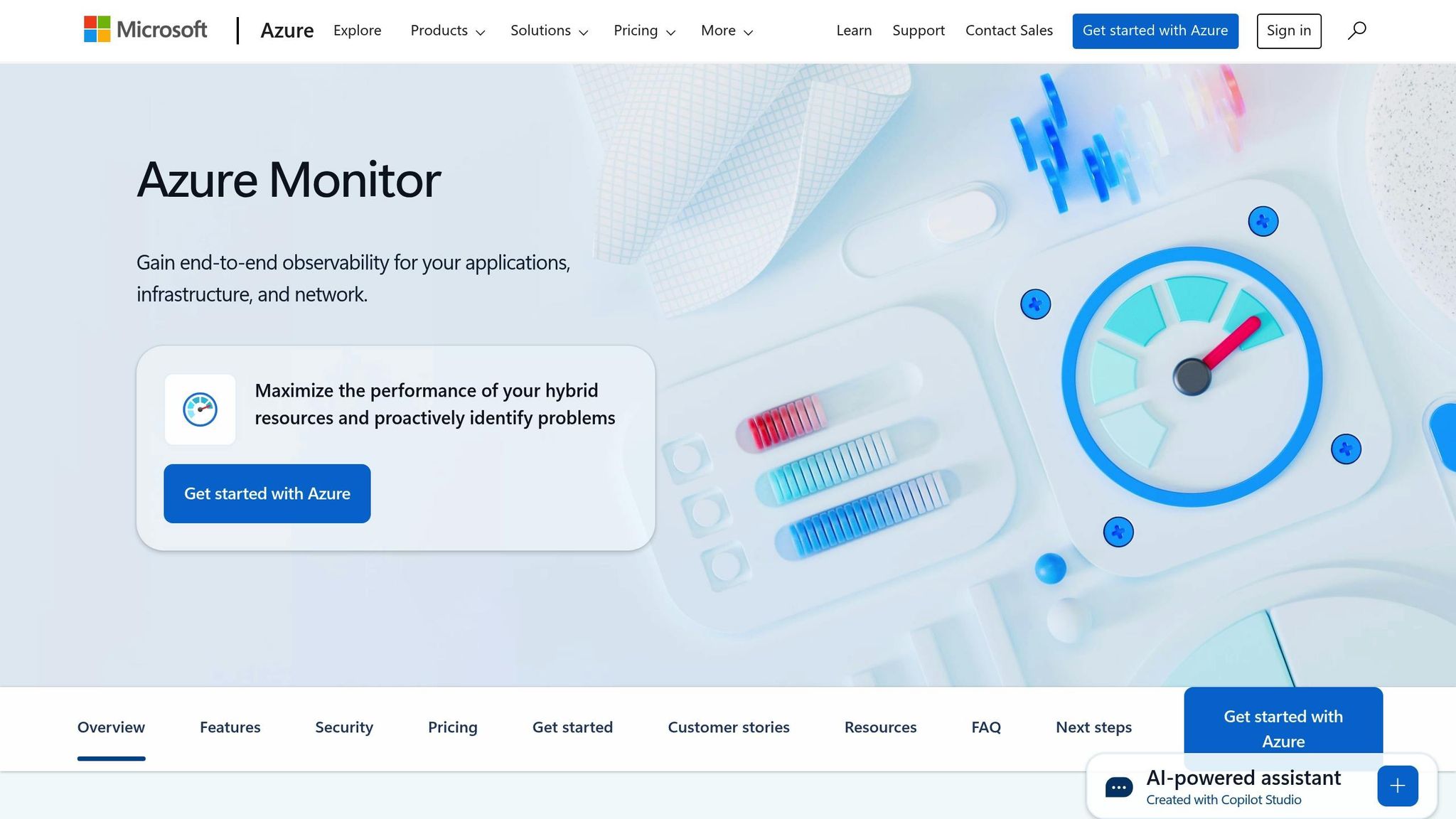
Azure Monitor is Microsoft's all-in-one solution for keeping an eye on cloud and hybrid environments. It gathers, analyzes, and acts on telemetry data from applications, infrastructure, and networks, making it a valuable tool for small and medium-sized businesses managing both cloud and on-premises systems.
Multi-Cloud Support
Azure Monitor goes beyond Azure by offering agents that monitor AWS resources and on-premises systems. With the help of Azure Arc, it brings together monitoring across cloud, on-premises, and hybrid setups in one place. It also tracks user activity across both frontend and backend services, providing end-to-end visibility.
"With Azure Arc and Azure Monitor, we can integrate all our environments into one central monitoring solution." - John Windsor, Infrastructure Architect, FirstGroup
The platform is backed by Azure's SLAs, ensuring reliability for Azure, multi-cloud, and hybrid resources. This gives businesses confidence in managing their diverse infrastructure.
AI/ML Capabilities
Azure Monitor's Smart Detection feature is designed to automatically spot unusual error spikes without requiring manual setup. This helps businesses identify and address issues before they affect users. By leveraging AI, it eliminates the need for costly third-party analytics tools, making advanced monitoring more accessible to smaller organizations. Its machine learning capabilities not only detect anomalies but also predict potential problems and offer actionable insights. For instance, a fintech startup cut troubleshooting time by 70% by setting up custom alerts for transaction failures using Azure Monitor.
"We're solving problems before they're known to end users. That's a depth to our alerting capabilities we didn't have before." - Jason Higgins, Lead Infrastructure Engineer, Transport for Greater Manchester
Entry-Level Cost
Azure Monitor uses a consumption-based pricing model, meaning businesses only pay for what they use. Some essential features, like activity log collection, alerting, and platform metrics analysis, are free. Here's a quick look at its pricing:
- Analytics Logs: $2.30 per GB (first 5 GB/month free per billing account)
- Basic Logs: $0.50 per GB
- Standard web tests: $0.0005 per scheduled test execution
- Email notifications: $2 per 100,000 emails (first 1,000 free monthly)
- Native metric alerts: $0.10 per time series monthly (first 10 free)
For SMBs exploring cloud monitoring, the first 5 GB of monthly data ingestion is free, allowing them to test the platform and gauge their needs without upfront costs. The pay-as-you-go model is paired with a user-friendly design familiar to those already using Microsoft products.
Learning Curve
Azure Monitor integrates smoothly with other Microsoft services, making it easier for teams already familiar with tools like Office 365 and Teams to adopt the platform. Its interface follows the same design principles, which helps reduce the learning curve.
"With Azure Monitor, everything is automatically managed, so we can simply focus on doing our jobs." - Sachin Rao, Principal Software Engineer, Microsoft
That said, businesses new to Microsoft's ecosystem might find the initial setup more challenging, especially when configuring monitoring for non-Azure resources. While the platform's extensive features can feel overwhelming for smaller IT teams, its automated Smart Detection capabilities help ease the burden by minimizing manual setup requirements.
5. Google Cloud Operations Suite
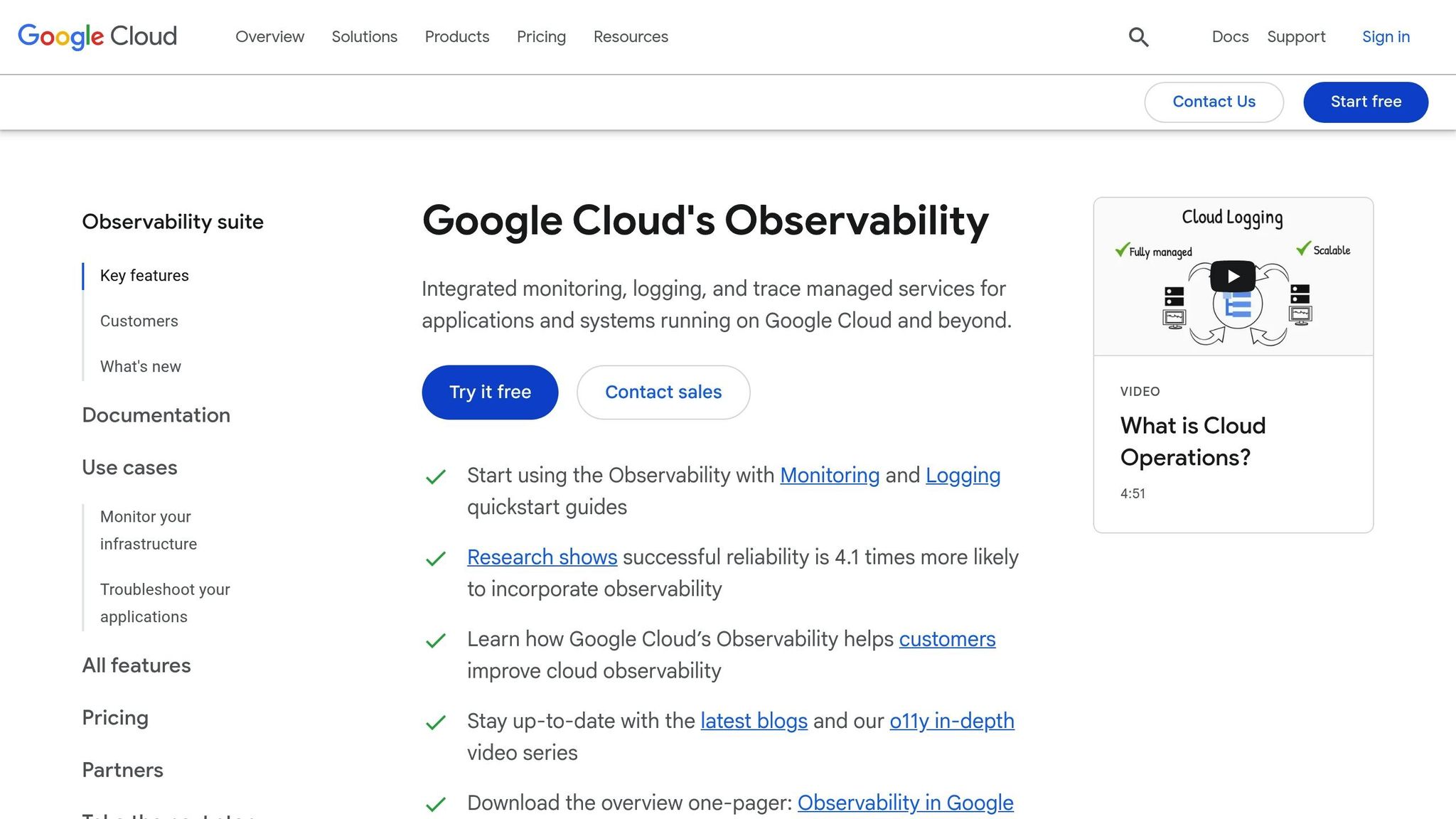
Google Cloud Operations Suite, previously known as Stackdriver, is Google's monitoring platform designed to oversee applications and infrastructure across various environments, including GCP, AWS, on-premises setups, and hybrid systems. It provides a centralized view of your entire ecosystem, helping businesses quickly detect and address service issues. This streamlined approach aligns with the monitoring strategies offered by other top-tier tools.
Multi-Cloud Support
One of the standout features of Google Cloud Operations Suite is its ability to monitor beyond Google's own cloud services. It integrates metrics, logs, and metadata from multiple cloud accounts into unified dashboards, charts, and reports. With 85% of businesses adopting multi-cloud strategies, this capability is particularly relevant.
The suite also tackles security challenges in multi-cloud setups by enabling unified security policies, encryption, and compliance with industry-standard protocols. For skilled teams, this simplifies the complexities of managing security across different platforms.
Entry-Level Cost
Google Cloud Operations Suite operates on a pay-as-you-go pricing model, making it accessible for businesses of all sizes. It offers free data usage allotments to get started and provides new customers with $300 in free credits to test its features in real-world scenarios.
Here’s a breakdown of pricing:
- Cloud Logging: $0.50/GB (first 50 GB free)
- Cloud Monitoring: $0.26/MB for data ingestion (first 150 MB free)
- Monitoring API Calls: $0.01 per 1,000 read API calls (first one million calls free)
- Cloud Trace: $0.20 per million spans (first 2.5 million spans free)
- Alerting Policies: $0.10 per month for each condition
Additionally, the platform includes free 24/7 billing support and a pricing calculator to help estimate costs based on location and workload needs.
Learning Curve
For teams already familiar with Google's ecosystem, setting up Google Cloud Operations Suite is relatively straightforward. Its unified dashboard provides a clear, comprehensive view of environments, simplifying the process of understanding service behaviors and identifying issues.
However, integrating non-Google Cloud resources may require some additional effort initially. While the suite's extensive features can feel overwhelming for smaller IT teams, its intuitive interface and consolidated approach help ease the learning process over time.
The platform is designed to deliver actionable insights without requiring deep technical expertise, making it an appealing option for small and medium-sized businesses aiming to monitor diverse infrastructure setups effectively.
Tool Comparison Chart
Selecting the right cloud performance monitoring tool means evaluating each platform's strengths in areas like multi-cloud support, AI-based features, pricing, and how easily they integrate into small to medium-sized business operations. Here's a breakdown of five leading tools to help you decide:
| Tool | Multi-Cloud Support | AI Features | Starting Price | Best For |
|---|---|---|---|---|
| Datadog | Works with over 850 technologies, including AWS, Azure, and Google Cloud | Machine learning-based alerts (available in Enterprise plan) | $15/host/month (Pro plan, billed annually) | Teams needing broad integrations |
| New Relic | Integrates with Azure for seamless monitoring | AI-powered anomaly detection and root cause analysis | Custom pricing based on data ingestion | Application performance monitoring |
| Dynatrace | Supports 600+ cloud providers and technologies like AWS, Azure, Google Cloud, and VMware | Advanced AI for automatic problem detection | Enterprise-level pricing | Large-scale enterprise environments |
| Azure Monitor | Native to Azure with limited multi-cloud capabilities | Built-in AI for pattern recognition and forecasting | $2.30/GB for Analytics Logs (first 5 GB free) | Microsoft-centric users |
| Google Cloud Operations Suite | Handles hybrid and multi-cloud setups, including AWS monitoring | Machine learning for predictive analytics | $0.50/GB for Cloud Logging (first 50 GB free) | Cost-conscious multi-cloud setups |
Key Insights
- Multi-cloud capabilities: Each tool offers distinct advantages. Dynatrace stands out for complex hybrid setups, while Google Cloud Operations Suite provides robust hybrid monitoring. These tools cater to different multi-cloud strategies.
- AI-powered productivity: Advanced AI features in these platforms have been linked to productivity boosts of up to 50% and 60%, respectively. These capabilities reduce deployment errors and enhance developer efficiency.
- Pricing models: Azure Monitor and Google Cloud Operations Suite use consumption-based pricing, making them flexible for varying workloads. Datadog, on the other hand, provides a free tier for up to five hosts.
- Ease of implementation: Integration complexity often depends on your current infrastructure. For example, businesses already using Google or Microsoft ecosystems may find their respective native tools easier to adopt. However, teams looking for comprehensive multi-cloud monitoring might face a steeper setup process to achieve unified visibility.
Your final decision should align with your specific needs - whether it's multi-cloud compatibility, budget considerations, or the technical expertise of your team. Small to medium-sized businesses, in particular, need to carefully balance these factors to get the most out of their investment.
Conclusion
When choosing a monitoring tool, it's essential to match the tool to your specific needs and technical environment. For example, Datadog stands out for its extensive integrations, Azure Monitor shines in Microsoft-focused setups, New Relic emphasizes application performance, and Google Cloud Operations Suite is a solid choice for budget-conscious, multi-cloud scenarios.
The key takeaway? A tailored approach is crucial for small and medium businesses (SMBs). Start with the basics and gradually expand features as your needs evolve. Keep an eye on pricing transparency - opt for tools with clear cost structures to avoid unexpected expenses.
The stakes couldn't be higher. With downtime costing businesses an average of $5,600 per minute, reliable monitoring isn't just a luxury - it's a necessity to safeguard your bottom line. And while the right tools are important, expertise can make all the difference.
This is where external IT support can step in. IT Support Perth specializes in helping SMBs navigate cloud monitoring challenges. They provide training to ensure your team can interpret data effectively and act quickly. Plus, their 24/7 support means issues are addressed promptly, keeping your operations running smoothly. By offering tailored cloud services and strategic IT management, they help integrate monitoring tools seamlessly with your existing infrastructure. Their experience working with SMBs ensures they understand the unique challenge of balancing robust monitoring with limited budgets and resources.
Whether you go with Datadog's versatile integrations, New Relic's application-centric focus, or any of the other tools discussed, having expert guidance ensures your monitoring system protects your business without adding unnecessary complexity.
FAQs
What should I consider when selecting a cloud performance monitoring tool for my small or medium-sized business?
When selecting a cloud performance monitoring tool for your small or medium-sized business (SMB), it's important to focus on tools that align with your specific needs. Start by ensuring the tool offers broad monitoring capabilities - it should be able to track servers, applications, and networks. This way, you can quickly pinpoint and resolve any performance issues across your systems.
Another key consideration is how well the tool integrates with your existing infrastructure. Seamless integration ensures your workflows remain smooth and uninterrupted. Additionally, think about scalability - the tool should be capable of evolving alongside your business as it grows.
Features like real-time alerts and in-depth reporting are invaluable for staying ahead of potential problems. They allow you to monitor performance proactively and address issues before they escalate. Lastly, opt for a tool with an intuitive interface and clear, actionable insights. This makes troubleshooting faster and easier, even in the demanding pace of a cloud-based environment.
What AI-powered features do cloud performance monitoring tools offer, and how can they help my business?
AI-powered cloud monitoring tools bring a suite of features designed to streamline and improve business operations. One standout feature is proactive issue detection, where AI continuously analyzes data patterns in real time to identify and address potential problems before they escalate. This helps prevent downtime and keeps operations running smoothly. Another valuable capability is automated remediation, which not only detects issues but can often resolve them automatically, saving time and reducing the need for manual intervention.
These tools also strengthen security by monitoring access patterns to flag unusual or suspicious activity. On top of that, they offer resource optimization, providing actionable suggestions to cut costs without sacrificing performance. With predictive analytics, businesses can anticipate future challenges and take preventive steps to minimize disruptions. Together, these features help companies operate more efficiently, cut costs, and boost overall productivity - key advantages in today’s competitive, fast-moving environment.
What pricing factors should I consider when choosing a cloud performance monitoring tool?
When choosing a cloud performance monitoring tool, it's crucial to look closely at the pricing structure and how it fits your budget and future growth. There are a few common pricing models to consider: flat-rate pricing, where you pay a set fee regardless of usage; tiered pricing, where costs rise as your usage increases; and usage-based pricing, which charges you based on what you actually use, like data consumption or API calls.
You should also check if the tool provides volume discounts, free tiers, or flexible plans that can adapt as your business grows. Carefully weighing these options can help you find a solution that balances affordability with your operational and financial objectives.