
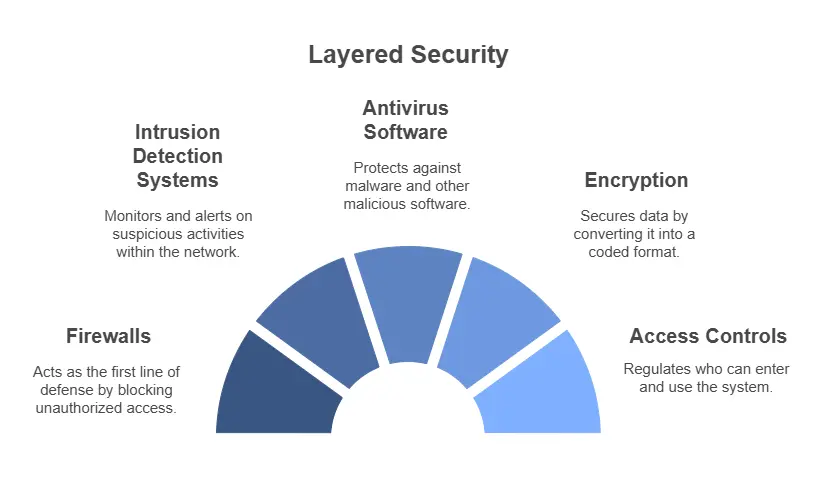
If you run a business in Perth and someone has told you to "get across the Essential Eight," you're not alone — and you don't need to be a security engineer to understand it. The Essential Eight is the Australian Government's baseline set of cybersecurity controls, and it has quietly become the standard that insurers, auditors, and larger clients expect Australian businesses to meet.
This guide explains the Essential Eight in plain English: what the eight strategies actually are, what the maturity levels mean, and how a small or medium Perth business can start without blowing the budget. We're Computer Mechanics — the team behind IT Support Perth — and we've been securing Western Australian businesses since 1997.
Want to know where you stand right now? Take our free security assessment — it takes a few minutes and gives you a risk score.
What is the Essential Eight?
The Essential Eight is a set of eight mitigation strategies published by the Australian Cyber Security Centre (ACSC), part of the Australian Signals Directorate. It's designed to make it much harder for attackers to compromise your systems, and to limit the damage if they do.
Think of it as the cybersecurity equivalent of "wear a seatbelt, lock your doors, and have a smoke alarm." None of the eight is exotic — but together they stop the overwhelming majority of common attacks, including ransomware, which remains the single biggest threat to Perth SMBs.
What are the eight strategies?
The eight controls fall into three goals: prevent attacks, limit the impact of attacks, and recover data.
Prevent malware from running
- Application control — only approved programs are allowed to run, so malware a staff member accidentally downloads simply won't execute.
- Patch applications — keep everyday software (browsers, Office, PDF readers) up to date, because attackers exploit known holes within days of them being published.
- Configure Microsoft Office macro settings — block macros from the internet, since malicious Office macros are a classic ransomware delivery method.
- User application hardening — disable risky features like Flash, web ads, and Java in browsers that attackers love to abuse.
Limit the extent of attacks
- Restrict administrative privileges — most staff don't need admin rights. Limiting them means a compromised account can't reconfigure or spread across your whole network.
- Patch operating systems — keep Windows, servers, and devices current with security updates.
- Multi-factor authentication (MFA) — require a second factor (like a phone prompt) to log in, so a stolen password alone isn't enough. This is one of the highest-impact, lowest-cost controls you can turn on today, especially across Microsoft 365 and email.
Recover your data
- Regular backups — maintain tested, isolated backups so that if the worst happens, you can restore and keep trading rather than pay a ransom. Backups only count if you've actually tested a restore — see our work on backup and disaster recovery.
What are the Essential Eight maturity levels?
The ACSC defines four maturity levels (0 to 3) so you can measure how thoroughly each control is implemented:
Maturity LevelWhat it meansLevel 0Significant weaknesses — the control is largely not in place.Level 1Protects against common, opportunistic attacks using widely available tools.Level 2Protects against attackers willing to invest more time and target you specifically.Level 3Protects against adaptive, well-resourced attackers.
For most Perth small and medium businesses, Maturity Level 1 is a realistic and worthwhile first target, with Level 2 for those handling sensitive client data — law firms, accounting practices, and healthcare providers in particular.
Does my Perth business actually need the Essential Eight?
If any of these apply, the answer is almost certainly yes:
- You hold client financial, legal, or health data.
- You've been asked about your security posture by a larger client, a tender, or a partner.
- Your cyber insurance renewal now asks whether you have MFA and backups (most do).
- You'd struggle to keep trading if your files were encrypted by ransomware tomorrow.
The Essential Eight isn't mandatory for most private businesses — but it has become the practical benchmark everyone is measured against, and aligning to it is the clearest way to show clients and insurers you take security seriously.
How should a small business start?
You don't implement all eight overnight. A sensible order for a Perth SMB:
- Turn on MFA everywhere — email, Microsoft 365, remote access, banking. Highest impact, fast to deploy. Pair it with proper email protection to cut phishing off at the source.
- Get backups right and test a restore — confirm you could actually recover.
- Patch the basics — automate operating system and application updates.
- Restrict admin rights — remove local admin from day-to-day accounts.
- Layer in the rest — application control, macro settings, and hardening, guided by a roadmap.
This is exactly the kind of staged work a managed IT provider handles in the background. For an example of how small configuration problems can quietly cost a business productivity until they're fixed properly, see our case studies.
The bottom line for Perth businesses
The Essential Eight isn't about ticking boxes — it's about being the business that keeps trading when others are locked out. Start with MFA and tested backups, measure yourself against Maturity Level 1, and build from there.
If you'd like a clear picture of where your business sits today, book a chat with the Computer Mechanics team or run our free security assessment. We've been keeping Perth businesses secure since 1997 — and we're happy to help you make sense of it.